


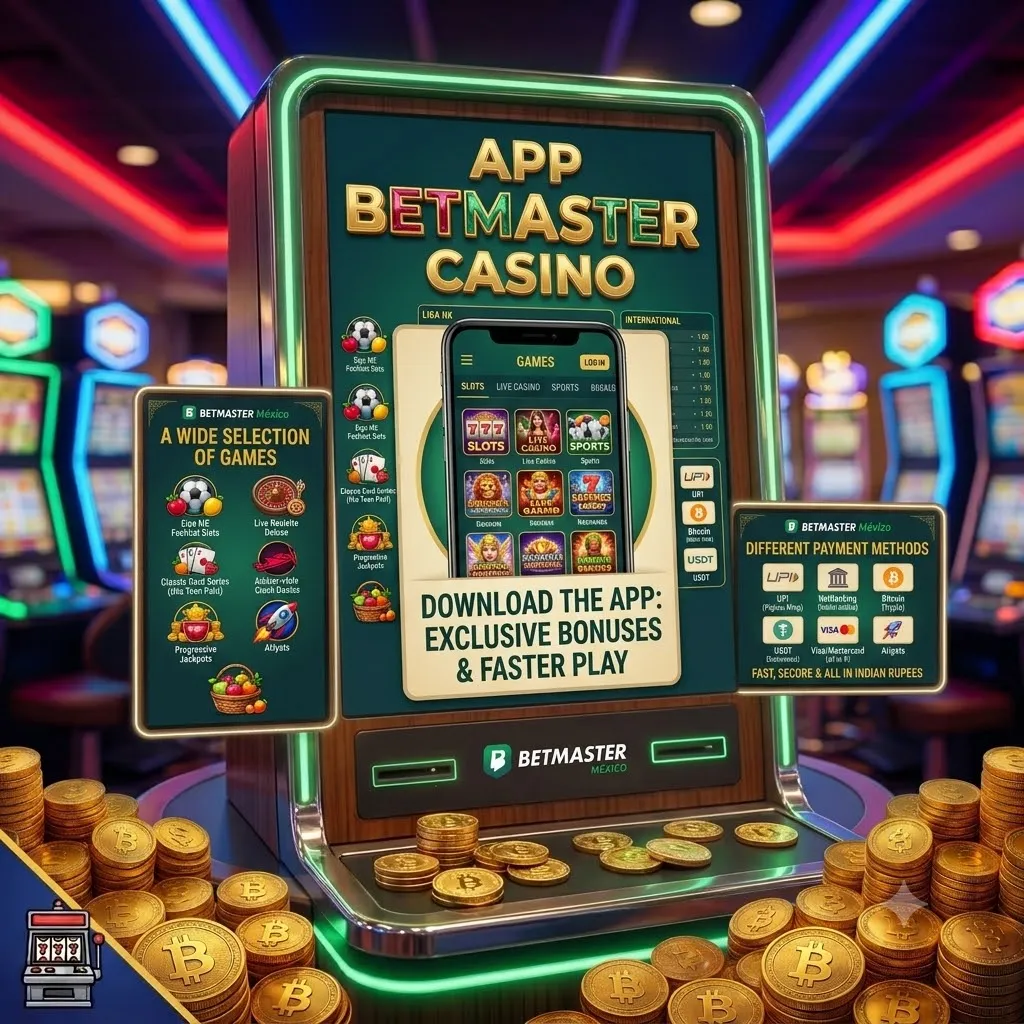
Download the App - Your Whole Game in Your Pocket
Betmaster Casino App: Play Anywhere!
Mexican players live on mobile, and the app is built for exactly that. It’s a fast, lightweight application that puts all the entertainment in your pocket: thousands of slots, tables with live dealers, the full sports section and instant games like Aviator, all behind a single login. Faster than the browser, using less data and packed with extras you’ll only get here, it’s the most convenient way to play anytime, anywhere. On this page we explain why it’s worth it, how to download and install it on Android and iOS, the requirements and the most common questions.
Ready? Create your account or log in, and take the whole catalogue with you.
Why play on the app?
A mobile browser is always a compromise: it reloads pages, competes for memory with other tabs and slows down at the worst moment. The app removes that friction and adds perks the browser can’t offer:
- Everything faster: the lobby, slots and odds load almost instantly.
- One-tap access: your games one icon away, no typing addresses.
- Biometric login: enter with fingerprint or face in a second, no passwords.
- Instant alerts: be first to catch promo codes and boosted odds.
- Less data: optimized to run smoothly even on modest phones.
App features
How to download and install on Android (APK)
Gaming apps aren’t always on Google Play, so the Android version installs directly via a secure APK — a standard process used by millions every day. It takes about a minute:
- Tap the download button on the official site; use only the official link for a clean file.
- Allow unknown sources: Settings → Security (or Apps) → enable “Install unknown apps” for your browser.
- Open the APK from your notifications or Downloads folder and tap Install.
- Open it and then log in or register, and set up biometric login.
How to install on iOS (iPhone and iPad)
- App Store: where available in your region, search for it and download it like any other.
- Web App (PWA): open the site in Safari → Share → “Add to Home Screen” for full-screen play, no App Store needed.
Minimum requirements
Payments, bonuses and security in the app
The app is a complete account in your pocket: you deposit and withdraw just like on desktop, with the same bank-grade protection. Claiming offers is just as easy: enter a promo code at the cashier and your bonus is credited instantly. Biometric login keeps access fast and secure. Always download from the official site or the App Store, keep the app updated and play within your limits — see Responsible gaming.
App FAQ (10 answers)
Quick links: Register · Login · Bonus · Promo code · Bookmaker · How to play · Responsible gaming
18+. Play responsibly.